PC benchmark: how fast is your computer, really?
Six real tests — processor, encryption, memory, graphics and storage — run live in your browser with a clear score out of 100, a comparison scale, and a score card you can download and share. Run it again after a tune-up and watch the score jump.
★ Rated 4.9 on GoogleFamily-run since 1995No fix, no fee
Takes about 20 seconds and will make your computer work hard (the fan may spin up briefly) — that’s normal, and it does no harm. Close other heavy programs, and plug laptops in, for the fairest score.
Warming up…
365 Benchmark Score
FREE APP · WINDOWS 10 & 11 · NO SIGN-UP
See inside it, free
A browser can only time your computer. Our free Windows app, 365 PC Manager, checks the rest.
Made by us, a family IT firm in Bournemouth since 1995, and digitally signed by 365 Techies Ltd. No fake errors, no scare tactics.
Where you land (indicative bands · ◆ measured by us)
& hard drive Typical office
PC (~2017) Modern
mid-range High-end
desktop
Against everyone tested here
An indicative browser benchmark — real-world speed also depends on startup programs, disk health, updates and malware. Scores are our own 0–100 scale and aren’t comparable with native benchmark suites.
Also: Book a Tune-Up
// WHAT THE SCORES MEAN
Your score, in plain English
80+ — Blazing fast
Everything should feel instant. If it doesn’t, software clutter is the culprit — and that’s fixable.
60–79 — Running well
A healthy machine for everyday work. Regular servicing keeps it here for years.
40–59 — Room for improvement
You’re waiting on it more than you should. A tune-up or small upgrade makes a big difference.
Under 40 — Struggling
Don’t bin it yet: an SSD or memory upgrade often transforms a machine like this for a fraction of the cost of a new one.
Storage matters most
A slow disk drags everything down — the single best upgrade for most slow computers is an SSD.
Speed isn’t everything
A fast but unprotected PC is still a risk — pair it with our free IT health check.
// KEEP THE SPEED, KEEP IT SAFE
Faster today, and kept that way
Your score is a snapshot. Regular servicing keeps a machine running at its best for years, and keeps it patched, which matters more every year as attackers use AI to find what has been missed.
// WHY IT MATTERS MORE NOW
Criminals now use AI to hunt for a single out-of-date program to use as a back door.
The UK’s National Cyber Security Centre expects AI to mean increasing the volume of attacks against systems that have not been updated with security fixes
.
NCSC, Impact of AI on cyber threat from now to 2027, May 2025
- A program that missed its updatesNot just Windows: the browser, the PDF reader, the printer software. Closed by: every program updated, every six weeks.
- A message that looks genuineScam emails and texts written with AI no longer give themselves away with clumsy spelling. Closed by: someone to check with before you click.
- A backup that quietly stoppedWhen ransomware or a dead drive strikes, a working backup is the difference. Closed by: a backup that is checked, not assumed.
SUPPORT PLAN · EVERY SIX WEEKS
A full service every six weeks
- Every program on it updated every six weeks, not just Windows and Microsoft 365
- Antivirus, firewall, drive encryption and backup checked and written down in a dated Service Report
- Unlimited remote support in between, so a slow day is a phone call
£18.25 a month per computer at home · business from £24.38. Rolling monthly, no lock-in.
Slow right now and not on a plan? We check the fault free, then quote before we fix: 01202 775566, Monday to Friday 9 to 5.
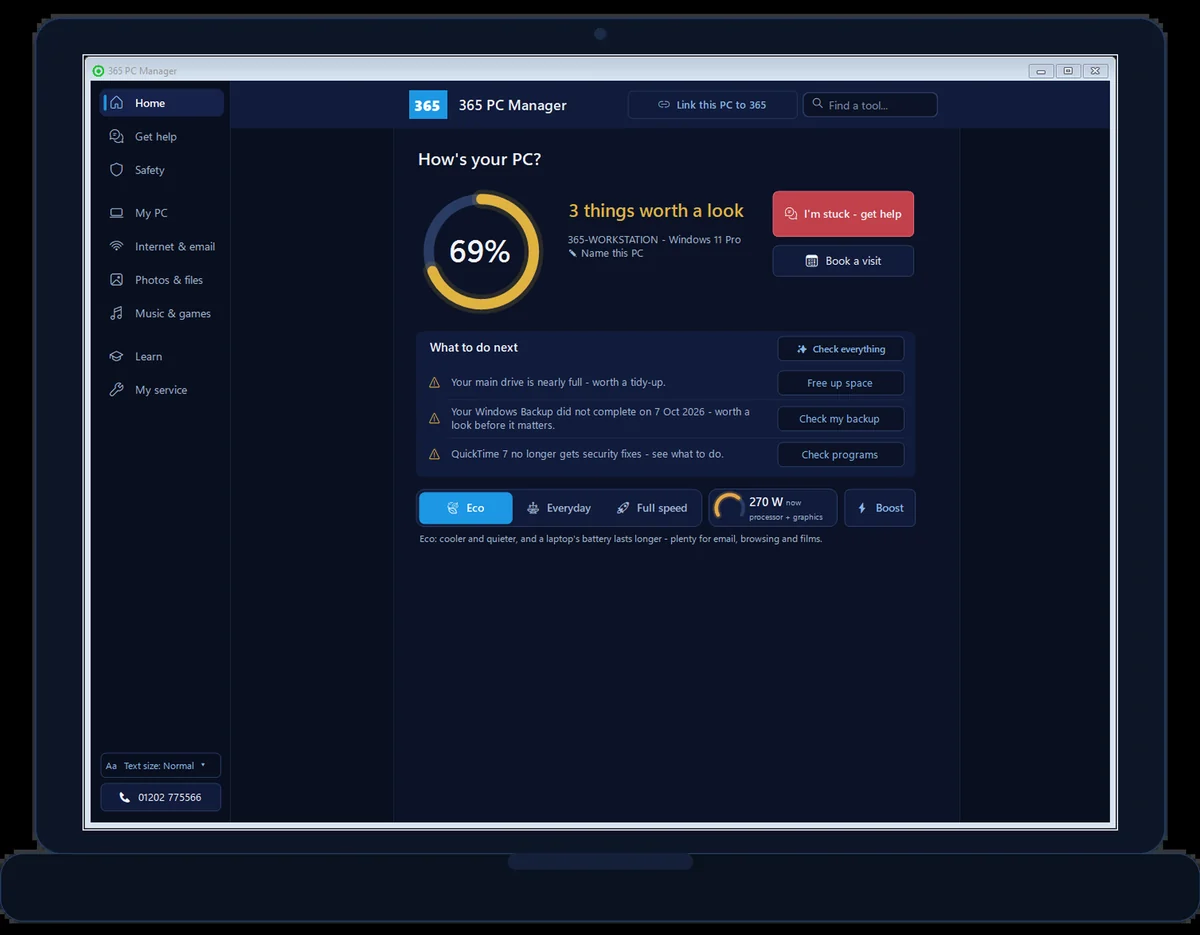
FREE APP · WINDOWS · REAL SCREENSHOT
See how this PC is really doing
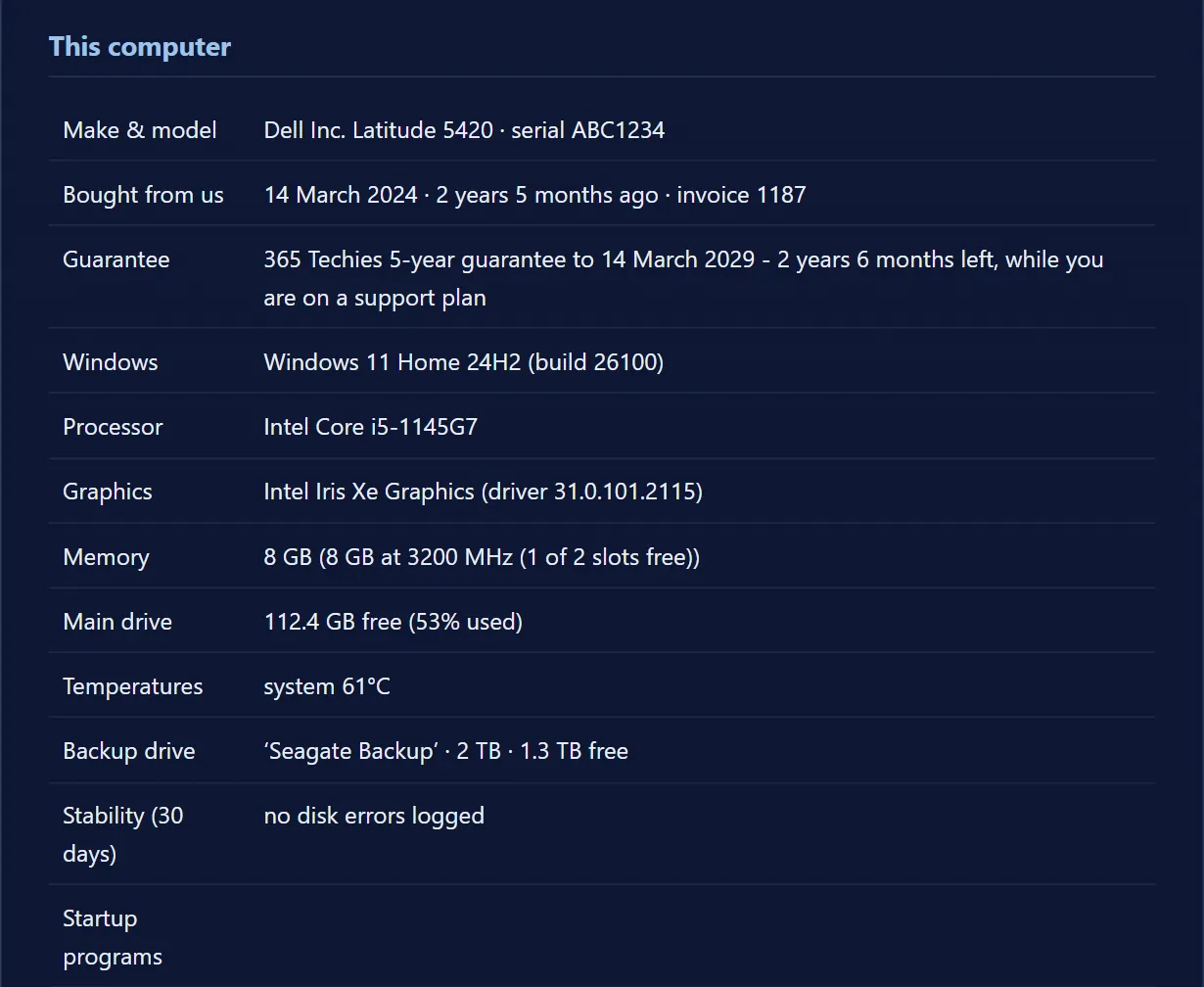
- Exact memory, drive health and free space
- Whether antivirus is on and a backup actually exists
- Battery wear, and when Windows is waiting for a restart
- Risky programs, network openings and missed Windows updates
365 PC Manager, digitally signed by 365 Techies Ltd. No fake errors, no scare tactics. It shows you where you stand; it isn’t an antivirus.
// GOOD QUESTIONS
Frequently asked
How does a browser benchmark work?
It runs six real workloads in your browser — heavy maths on one core and then across all of them (using web workers), hardware-accelerated SHA-256 hashing (the maths behind secure websites), large memory copies, a WebGL graphics stress test and browser storage reads and writes — each with a live readout as it runs. It’s indicative rather than lab-grade, but it gives an honest picture of how your machine is performing.
Can I share or keep my score?
Yes — download your score card as an image to share or keep, or copy your results as text. Your browser also remembers your previous run, so when you benchmark again (say, after a tune-up or an SSD upgrade) you’ll see exactly how many points you gained.
Is it safe? Will it harm my computer?
Completely safe — it simply makes your computer work hard for about 20 seconds, like opening a big spreadsheet or playing a game. The fan may spin up briefly; nothing is installed, sent or stored.
Why is my score different from other benchmark tools?
Every benchmark uses its own scale, and ours is a 0–100 scale of our own — so don’t compare the number with native suites like Geekbench or Cinebench. Compare your machine against our bands, or re-run it after a tune-up to see the difference.
My score is low — what should I do?
Often a machine benches low for fixable reasons: an old-style hard drive (an SSD upgrade transforms it), too little memory, or years of accumulated clutter. We’ll diagnose it honestly — book a tune-up, or see if it’s time for a repair or replacement.
Does it work on phones and Macs?
Yes — it runs on any modern device, though the scoring is tuned with Windows PCs in mind (we’re Windows specialists). It’s a fun way to compare your phone with your laptop!
The graphics test says ‘not available’ — why?
Your browser has WebGL disabled or blocked (some strict privacy setups do this). The rest of the benchmark still runs and your overall score simply skips graphics.
// FREE TOOLS
More free computer check-ups
No sign-up, no catch — free tools built by our techies. See all our free tools →
Free tool
365 PC Manager app
365 PC Manager — our free little Windows app. An honest PC health check — health score, one-tap boost, no fake errors — from real local techies. Digitally signed, it installs in a couple of clicks and uninstalls just as easily.
Try it →Free tool
Graphics Card Benchmark
How powerful is your GPU? A live 3D WebGL benchmark — graphics score, live FPS, advanced stress tests and honest advice.
Try it →Free tool
PC Hardware Checker
What’s inside your computer? OS, graphics card, screen, memory and more — revealed instantly, nothing installed.
Try it →Free tool
Custom PC Builder
Your budget, split the way experienced builders do it — what to spend per part, and live links to buy.
Try it →Not happy with your score?
We speed up slow computers — deep tune-ups, SSD and memory upgrades, honest advice, no-fix-no-fee and a 12-month warranty. Or start fresh with a refurbished business-grade Dell from £510.
01202 775566 · help@365techies.co.uk · MON–FRI 9AM–5PM
// HOW IT WORKS
How to test your computer’s speed online
This free benchmark runs six real tests of your processor (on one core and all cores), encryption, memory, graphics and storage right in your browser and gives a single speed score out of 100 — no download and nothing installed.
Step by step
- Close other programs — Shut anything heavy so the test measures your computer, not what else is running.
- Press Start — The benchmark runs six short tests live — processor, encryption, memory, graphics and storage — in about 20 seconds.
- Read your score — You get a clear score out of 100 with a band from ‘struggling’ to ‘blazing fast’, plus a per-test breakdown.
- Save or compare it — Download your score card, and re-run it after a tune-up or an SSD upgrade to see the jump.
Good to know
How can I test my computer’s speed online for free?
Just run this benchmark in your browser — it puts your processor, memory, graphics and storage through six real tests and gives a speed score out of 100 in about 20 seconds. Nothing is installed and nothing is sent to us.
Is an online speed test as accurate as installed software?
It’s indicative rather than lab-grade — browser and background apps affect it — but it’s a genuinely useful, honest picture of how your machine is performing, and it’s perfect for spotting a slow disk or comparing before and after an upgrade.