Make a QR code in seconds
Turn any link, text, email or phone number into a scannable QR code — perfect for menus, posters, business cards and Google-review links. Free, made in your browser, download as an image.
★ Rated 4.9 on GoogleFamily-run since 1995No fix, no fee
🔒 Made entirely in your browser — nothing is sent or stored. Tip: print it big enough to scan from where people stand.
Want QR codes working for your business?
From Google-review codes on your receipts to Wi-Fi codes for guests and smart links on your marketing, we help Dorset businesses use the little things that make a big difference — and sort the tech behind them.
// ALSO IN OUR FREE WINDOWS APP
Prefer it on your PC?
FREE · WINDOWS 10 & 11 · NO SIGN-UP
Make QR codes on your PC
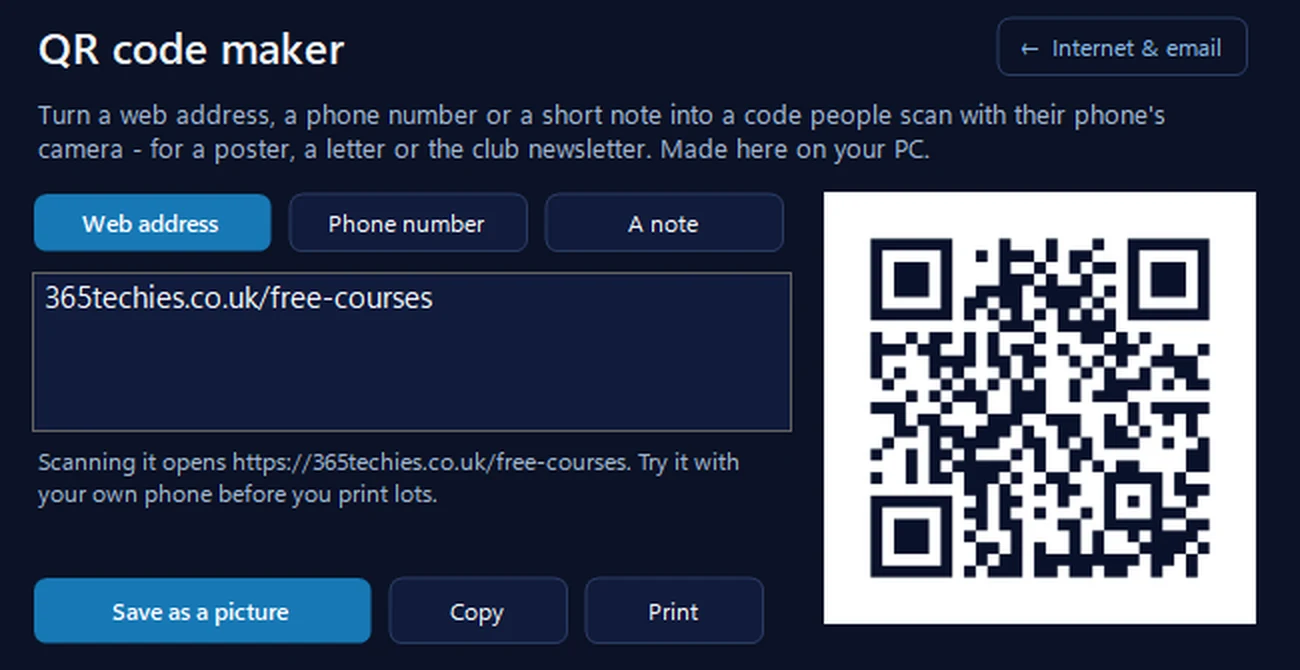
Our free app has a QR code maker for a web address, a phone number or a short note — for a poster, a letter or the club newsletter. It’s made on your PC with nothing fetched from anywhere, and you can save it as a picture, copy it or print it straight away.
In the app: Internet & email, then More internet tools, then QR code maker.
Download 365 PC Manager free ↓What else it checks
Made by us, a family IT firm in Bournemouth since 1995, and digitally signed by 365 Techies Ltd.
// GOOD QUESTIONS
Frequently asked
What can I make a QR code for?
A website or link, plain text, an email address (with a subject ready to go), a phone number, or a text message. Point a phone camera at the finished code and it does the rest — no app needed on most modern phones.
Is it really free, with no watermark?
Yes — completely free, no sign-up, no watermark, no expiry. The QR code is generated in your browser and yours to use however you like, forever.
How do I get more Google reviews with a QR code?
Print a QR code that links straight to your Google review page and pop it on receipts, invoices, the counter or a thank-you card — customers scan and leave a review in seconds. Use the ‘review us’ quick-start above to see ours, or ask us to set one up for your business.
Do QR codes expire or stop working?
The code itself never expires — it simply contains your link or text. It only stops working if the thing it points to (a web page, say) is taken down. So link it to something permanent.
Can you make QR codes part of my marketing?
Absolutely — review codes, Wi-Fi codes for guests, menu and booking links, smart posters. We help Dorset businesses use them well and sort the tech behind them. See our Wi-Fi QR generator too.
QR codes that pull their weight
Review codes on your receipts, Wi-Fi codes for guests, smart links on your marketing — we help Dorset businesses use the little things that make a real difference.
01202 775566 · help@365techies.co.uk · MON–FRI 9AM–5PM
// HOW IT WORKS
How to make a free QR code with no signup or watermark
This free QR code generator turns any website link, plain text, email address, phone number or text message into a scannable QR code in seconds with no sign-up, no watermark and no expiry — it's built in your browser, you can change the colour, and you download it as a plain image to print however you like.
Step by step
- Choose what the code should do — Pick from open a website, show text, start an email, dial a phone number or send a text message.
- Enter your details — Type the link, text, email, phone number or message — for email you can add a ready-made subject line.
- Pick a colour (optional) — Choose a QR colour to match your brand, or leave the default dark navy.
- Download the image — Click Download as image to save a clean QR code with no watermark, no sign-up and no expiry.
- Print it big enough to scan — Print it large enough to be scanned from where people will stand — on a menu, poster, business card or review card.
Good to know
Is this QR code generator really free with no watermark?
Yes — completely free, no sign-up, no watermark and no expiry. The QR code is generated in your browser and it's yours to use however you like, forever. You just choose your content, optionally set a colour, and download it as a plain image ready to print.
Can I change the colour of my QR code?
Yes — there's a colour picker, so you can set the QR code to your brand colour or leave the default dark navy. Keep it dark on a light background with plenty of contrast so phone cameras still scan it reliably, then download it as a plain image with no watermark.
Do I need an app to scan the QR codes this makes?
No — the codes hold your link, text, email, phone number or message directly, so most modern iPhone and Android cameras read them straight from the built-in camera app with no separate scanner needed. Point the camera at the code and the phone offers to open the link or action for you.